$100 to Start Trading — No Deposit Required
Verify your account, activate the offer in the xChief Android app and experience real trading conditions with a $100 bonus.
- Available on MT4.DirectFX and MT4.Classic+ accounts

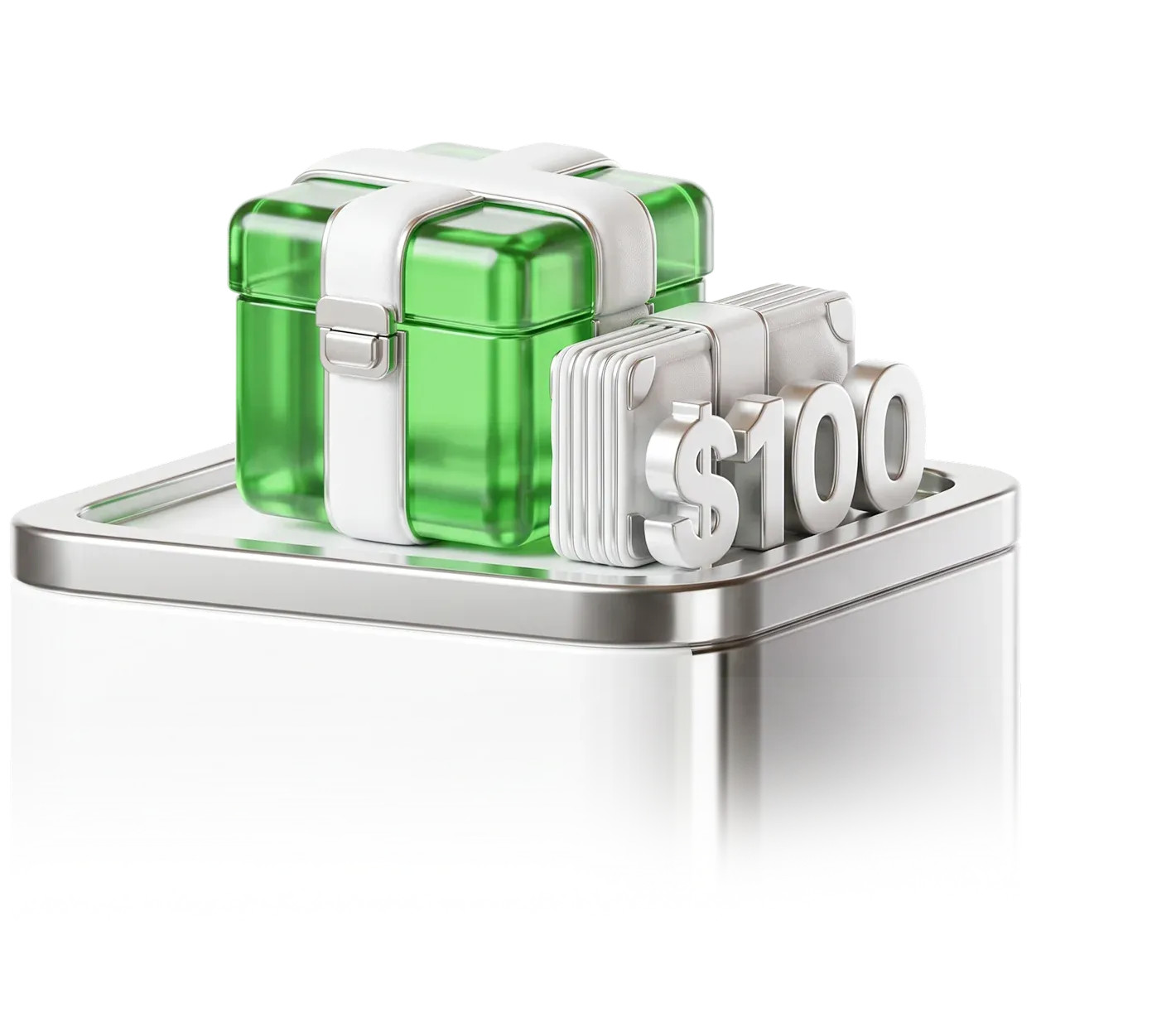
- $100Bonus
- $0Deposit
- 30Lots Required
- $100Maximum Withdrawal




Everything You Need to Know Before Claiming
The $100 No-Deposit Bonus is designed for new and existing clients who want to test real trading conditions without risking their own money.
Who Can Claim
Eligible
- New and existing clients with a verified account
- Clients using MT4.DirectFX or MT4.Classic+
- Clients who activate the offer in the Android app

How to claim No Deposit Bonus
- Step 1
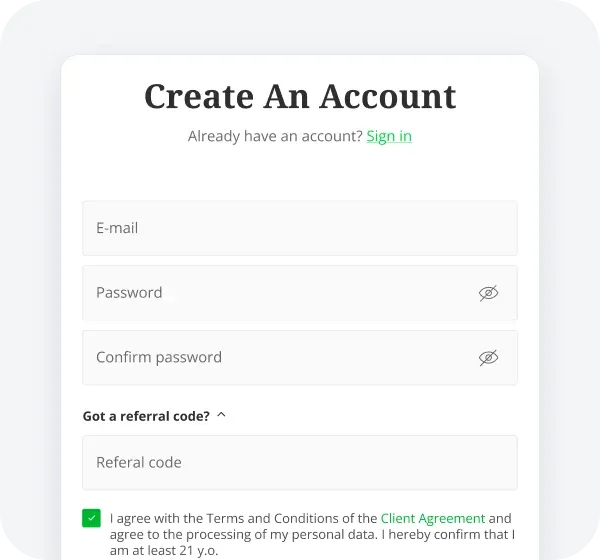
Register
Create your xChief account on our website.
- Step 2
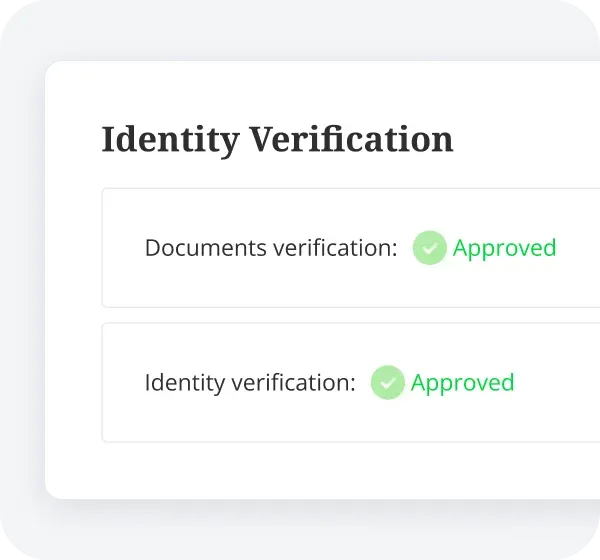
Verify Your Identity
Complete KYC to verify your identity.
- Step 3

Install the xChief App
Download the xChief Android app from Google Play.
- Step 4
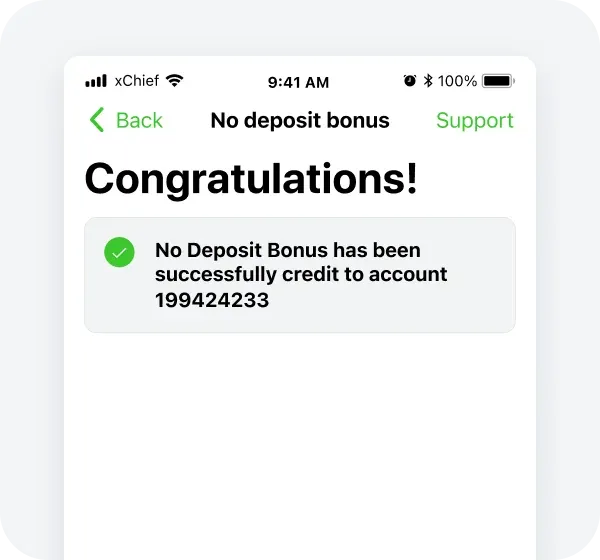
Activate in Bonuses and Credits
Open the app, go to Bonuses and Credits and activate the $100 bonus.

How Bonus Withdrawal Works
$100 Bonus Credited
Get a $100 trading bonus after completing verification and activating the offer
Trade Eligible Instruments
Use the bonus to trade eligible Forex pairs, Gold and Silver
Complete 30 Lots
Reach the required trading volume of 30 lots within 30 days
Withdraw Up to $100
Once the requirement is completed, withdraw up to $100 in profit


Where Trading Volume Counts
Position-duration and minimum-trade-point requirements apply
Forex pairs
Major, minor and exotic currency pairs
Gold (XAUUSD)
Spot gold against US dollar
Silver (XAGUSD)
Spot silver against US dollar


FAQ

Ready to Test Your Strategy with $100?
No deposit required. Verification and Android app activation required.